Test Website
Test Website
After successful installation and configuration, the next step is to test the website.
Access the created S3 bucket:
- Select Properties.
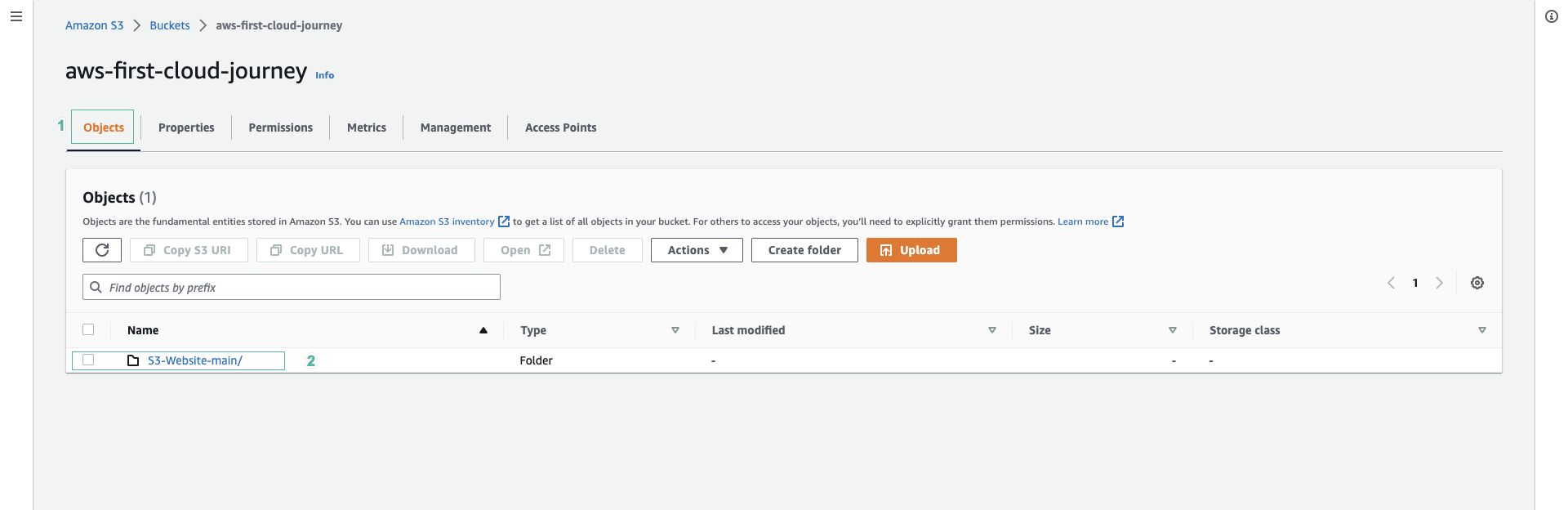
Scroll down to the bottom to find Static website hosting
- Find Bucket website endpoint and click the copy button.
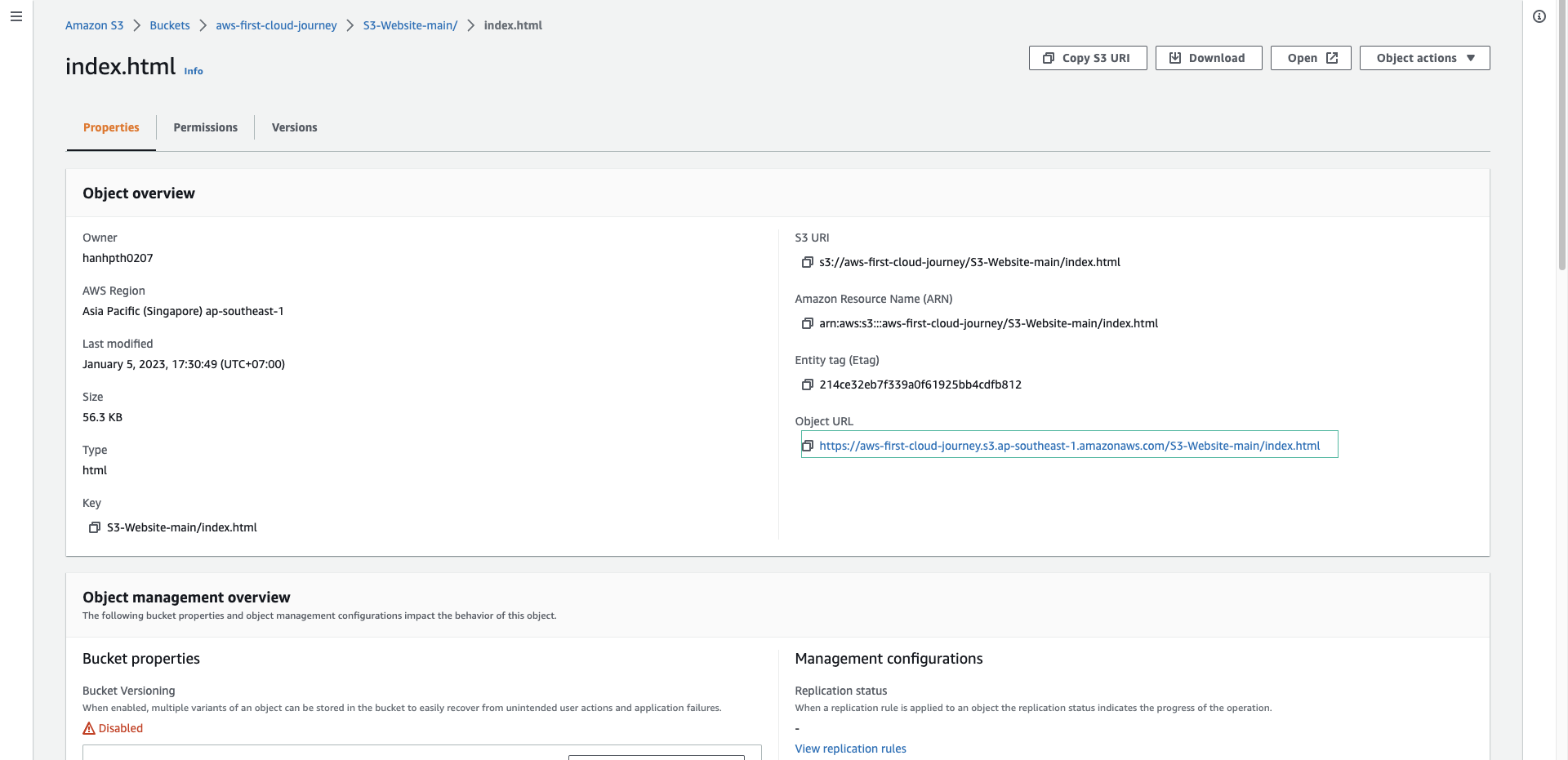
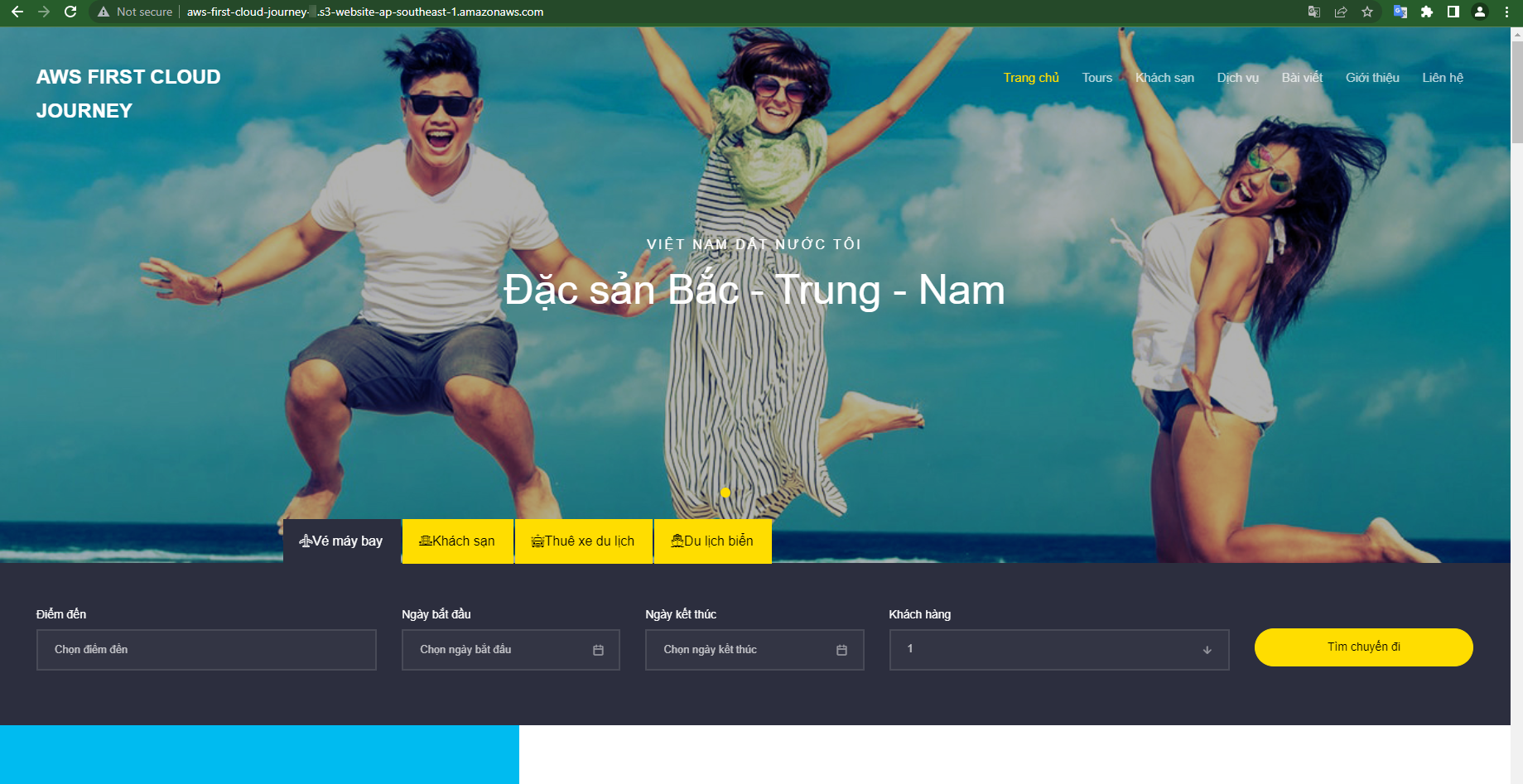
Open the URL in a new browser tab:
- Experience the travel website interface.
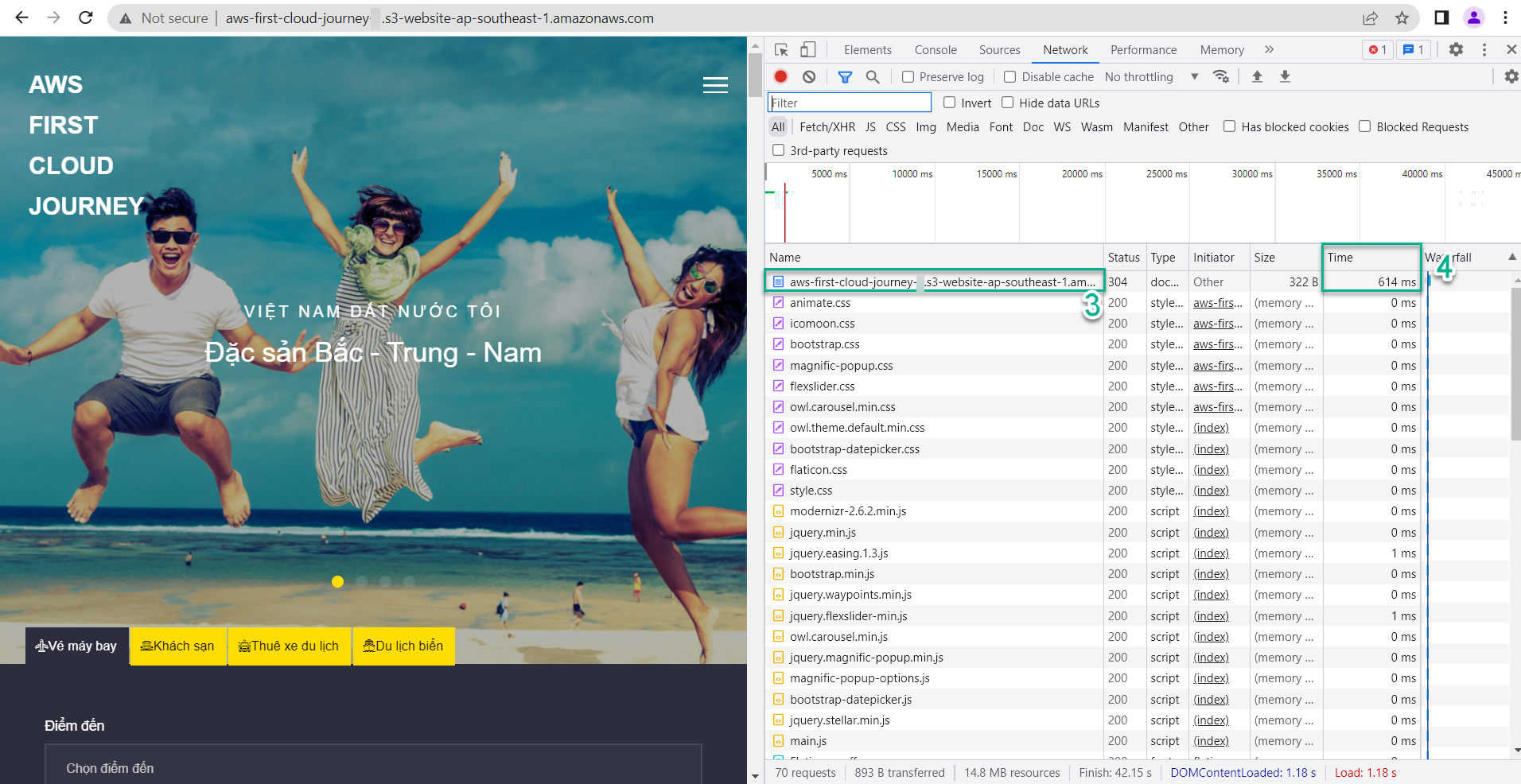
Check the page load time:
- The purpose is to observe the impact of CloudFront in reducing latency and increasing page load speed later.
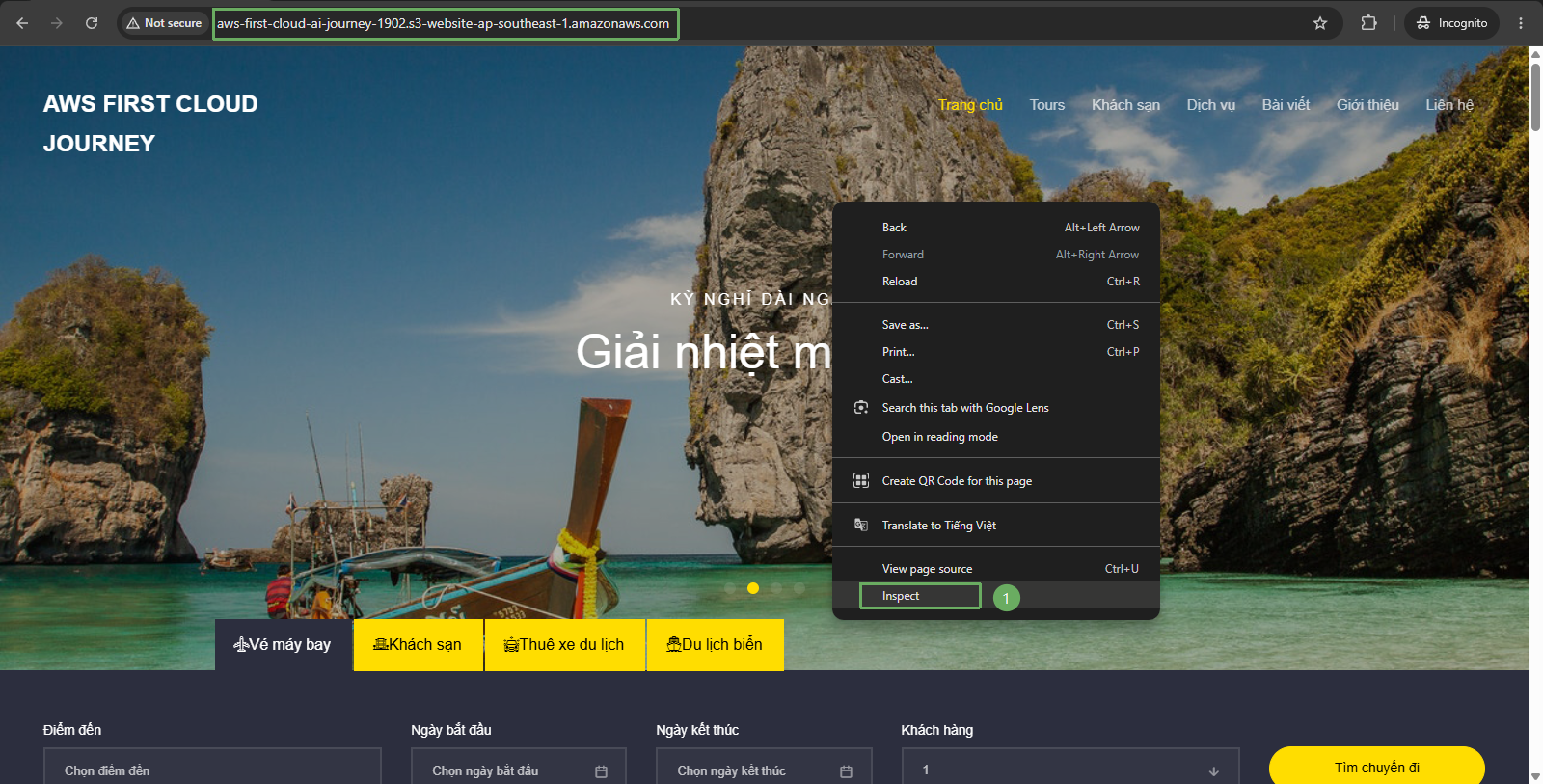
- Open the travel website interface, right-click and select Inspect.
- In the top right corner, select Network.
- In the top left corner, select the reload icon.
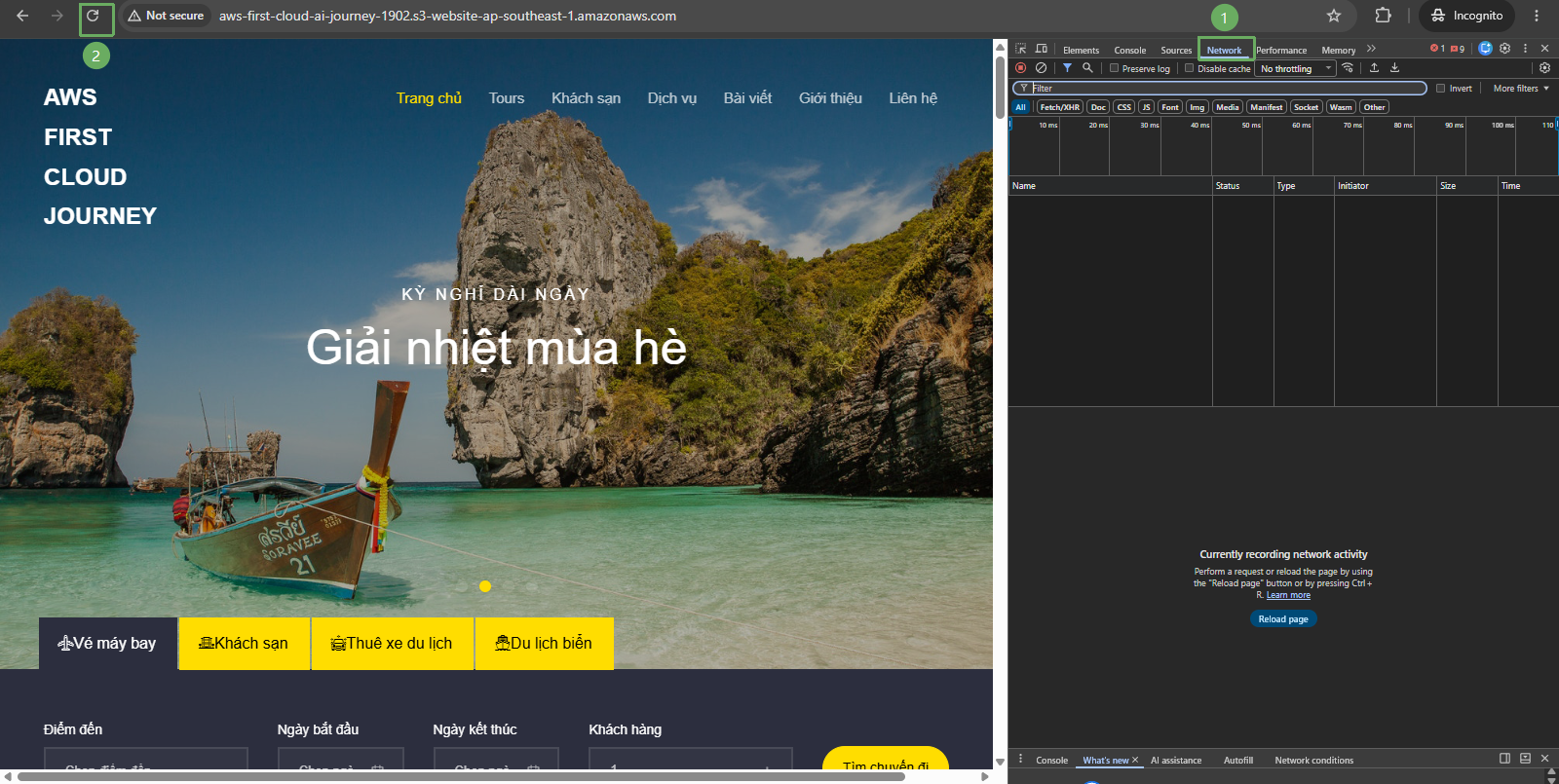
- In the URL information of the Bucket website endpoint, the displayed time is 136 ms (0.136 seconds). Note: this value is only relative.